Kubernetes Ingress Controllers: How to choose the right one: Part 1

Kubernetes Ingress Controllers: How to choose the right one: Part 1

  • February 9, 2019
Table of Contents

Kubernetes Ingress Controllers: How to choose the right one: Part 1

In this article, I will share my experiences with 3 major types of Kubernetes ingress solutions. Let’s go through their pros and cons and find out which one suits your needs. How does it work behind thescene?

First, Let’s deploy a hello-world service with 2 Pods running in demo namespace. Next, We apply the hello-world ingress resource file as below. Let’s take a look when an Ingress resource is deployed, how does the ingress controller translate it into Nginx configuration?For API path /api/hello-world, through an upstream directive as below, it will route incoming traffic to Service hello-world with 2 destination Pod IPs on container port 8080 in the namespace demo.

Pretty straightforward, right? It is very similar to our iptables or ipvs routing table. Nginx Ingress relies on a Classic Load Balancer(ELB)

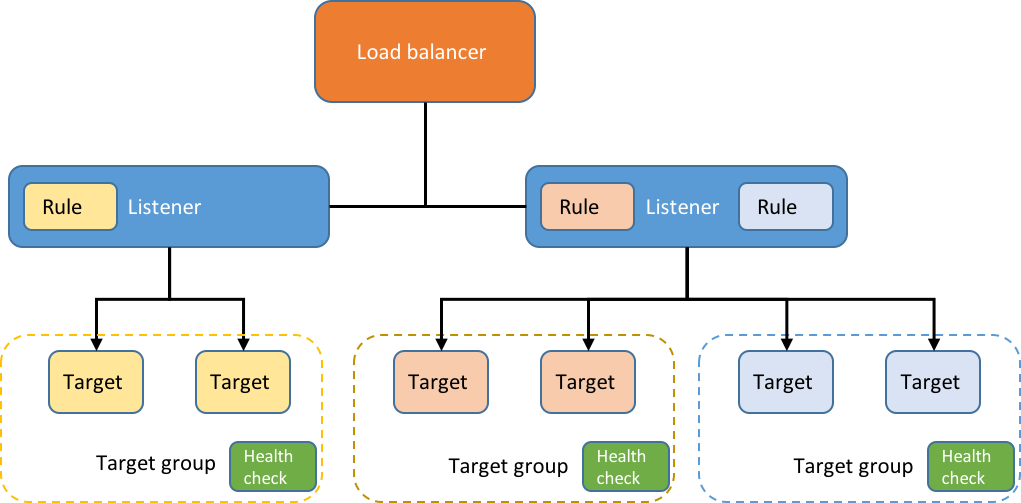
Nginx ingress controller can be deployed anywhere, and when initialized in AWS, it will create a classic ELB to expose the Nginx Ingress controller behind a Service of Type=LoadBalancer. This may be an issue for some people since ELB is considered a legacy technology and AWS is recommending to migrate existing ELB to Network Load Balancer(NLB). However, under regular traffic volume, it never becomes a problem for us.

If NLB is preferred in your cluster, the good news is: it is supported since v1.10.0 as an ALPHA feature as below.

Source: itnext.io

Share :
comments powered by Disqus

Related Posts

Poseidon-Firmament Scheduler – Flow Network Graph Based Scheduler

Poseidon-Firmament Scheduler – Flow Network Graph Based Scheduler

In this blog post, we briefly describe the novel Firmament flow network graph based scheduling approach (OSDI paper) in Kubernetes. We specifically describe the Firmament Scheduler and how it integrates with the Kubernetes cluster manager using Poseidon as the integration glue. We have seen extremely impressive scheduling throughput performance benchmarking numbers with this novel scheduling approach.

Read More
Server Name Indication (SNI) Support Now in Ambassador

Server Name Indication (SNI) Support Now in Ambassador

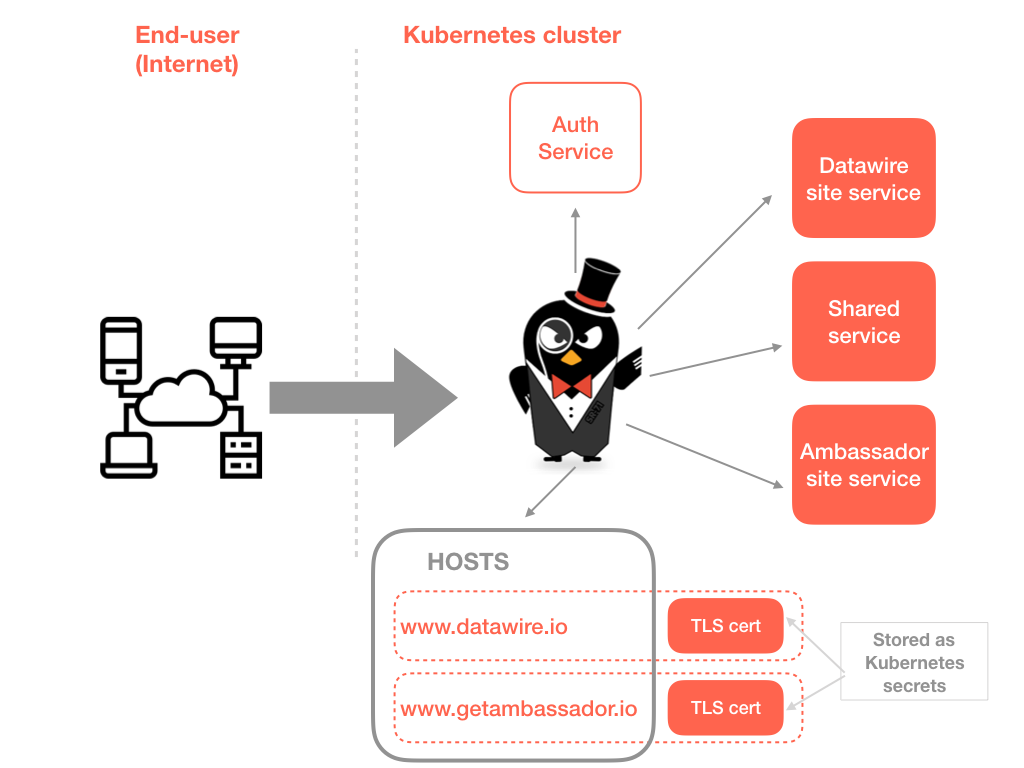
We’ve discussed many interesting use cases for SNI support within the edge proxy/gateway with both open source and commercially supported users of Ambassador. In a nutshell (and with thanks to Wikipedia), SNI is an extension to the TLS protocol which allows a client to indicate which hostname it is attempting to connect to at the start of the TCP handshaking process. This allows the server to present multiple certificates on the same IP address and TCP port number, which in turn enables the serving of multiple secure websites or API services without requiring all those sites to use the same certificate.

Read More